
The Monroe County Court Calendar
Monroe County has one Circuit Court with nine divisions, but no standalone public calendar search URL was located. A public hearing may appear in Indiana MyCase. Administrative Rule 9 also requires daily calendars or dockets to be available electronically or by another means with the case number, caption, date, time, and location.
The case summary is a starting point. A later order, reset, or status event can replace a date that remains in the chronology. The assigned division controls its setting.
No Separate Monroe County Calendar
The practical route is case-centered. Find the case by number or name, open its summary, and look for the newest setting. If none appears, use the Clerk, division, Court Services, public counter, or courthouse posting.
Key point: A blank calendar search is not a canceled hearing because Monroe County does not expose a separate public calendar interface.
The Court Services source gives the local fallback contact.
The contact block routes a setting question when the chronology is unclear.
How to Find Your Court Date
Use the full Monroe County case number when possible. It includes county code 53 and a division code from C01 through C09. A name search can work, but common names require a close check of court, filing date, type, and status.
- Search the case number or party name in MyCase.
- Open the matching Monroe Circuit Court result.
- Read the newest setting and any later reset or order.
- Call the Clerk at 812-349-2614 or Court Services at 812-349-2966 when unclear.
- Use the public counter, terminal, or courthouse posting as an in-person fallback.
- Bring the case number and recheck before appearing.
Monroe County Calendar Terms
The label tells why a case is set, not its outcome. Monroe rules identify initial hearings, probable-cause reviews, pretrial conferences, bench and jury trials, sentencing, review events, small-claims hearings, evictions, proceedings supplemental, and infraction hearings.
- Initial hearing
- An early criminal or infraction event.
- Pretrial conference
- Case management before plea or trial.
- Proceedings supplemental
- A post-judgment civil collection process.
- Reset
- A new date replacing an older setting.
Read each term with the order or notice that created it.
Reading a Court Setting
Match a Monroe County setting to its case number and division. Then check the date, time, location, judge, type, and status. Party labels help confirm the right case, but avoid copying private data into shared notes.
| Date | The current date, checked against later entries. |
|---|---|
| Time | The start time and any stated check-in instruction. |
| Location | The division, courtroom, or building. |
| Judge | The assigned judicial officer when shown. |
| Setting Type | Initial hearing, pretrial, motion hearing, trial, sentencing, or review. |
Monroe County Traffic Calendar Conflict
Two official pages publish different Friday Traffic Court times. The Clerk says 1:00 p.m. The Prosecutor says 1:30 p.m. and refers to Rooms 205 and 211 in different places. Direct confirmation is essential.
Use the citation’s Appear By Date and call the Traffic Division at 812-335-7274 or 812-349-2609. Do not choose one page without checking the current case instruction. A posted time can change.
Note: The conflict is a reason to verify, not evidence that either agency canceled the docket.
Resets, Continuances, and Cancellations
A continuance moves a proceeding; it does not dismiss the case. Monroe Local Rule LR53-TR00-0207 requires a motion to state the current date and time, reason, estimated new duration, notice details, and whether the other side agrees or objects.
Compare an old HearingDate with Date2 or reset data, later notices, orders, and current status. Filing a motion does not mean it was granted. Confirm a disputed change with the division.
Monroe County Calendar Security
The Justice Building security page says each entrant is subject to search and bans weapons and cutting instruments. Plan for screening, but the source does not establish a blanket phone or laptop rule.
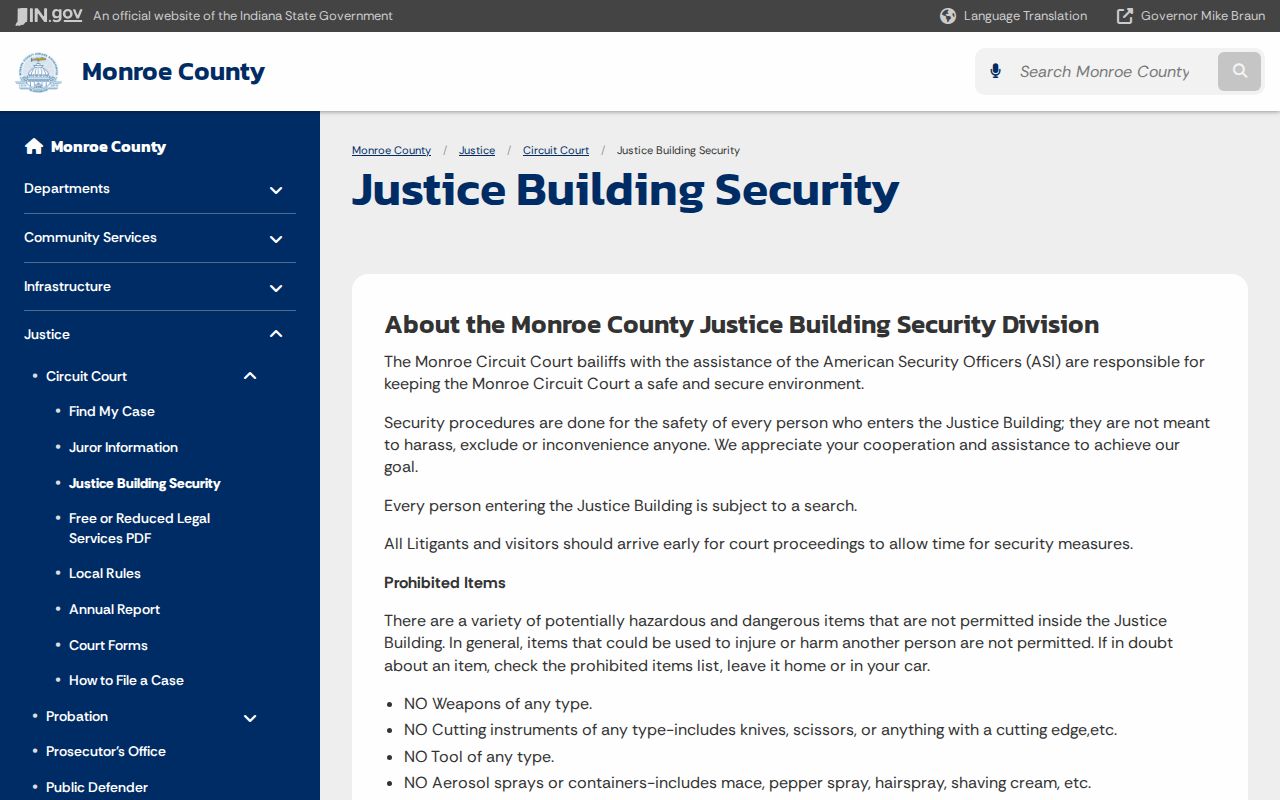
The notice links timely arrival with the entry process where Monroe Circuit Court meets.
The court address is 301 N College Ave, Bloomington, IN 47404. Bring the case number and notice so staff can identify the division.
What to Do If You Miss a Setting
Contact the assigned division and Clerk at once. Give the case number, missed date, and setting type. Check MyCase for an order, warrant entry, or new date, but do not assume the online view is complete.
Follow the court’s direction about any filing or appearance. Court staff can confirm procedure but cannot give legal advice. Contact counsel promptly when one represents a party.
Missed a Setting? A missed date can prompt case-specific court action.
Call the division or Clerk now and do not wait for a new online date.
Ask a licensed attorney about the proper next step when legal advice is needed.
Monroe County Small Claims Calendar
Local rules generally set small-claims hearings 30 to 45 days after filing. Eviction settings are generally 15 to 45 days after filing. These windows explain how dates may develop, but they are not promises.
Service, continuances, workload, and later orders can change the actual date. Read the summary and confirm with the court. The Clerk Civil Division supplies the civil record route.
Monroe County Calendar Access
Each channel answers a different part of a court-date question. MyCase is best for the public case chronology. The Clerk can confirm the case number and record status. The assigned division or Court Services is the stronger route for a current setting. The public counter, terminal, or posted daily docket provides courthouse access when remote information is incomplete.
| Channel | Use | What to bring |
|---|---|---|
| MyCase | Find the latest public event | Case number or party name |
| Clerk | Confirm case and record status | Case number and event date |
| Division or Court Services | Confirm the live setting | Division code and notice |
| Courthouse | Use public access or posted docket | Case number and photo identification if requested |
Monroe County publishes no terminal count or posted-calendar format. Ask staff where the daily docket is available. Indiana Administrative Rule 9 preserves daily-calendar access, but it does not turn every setting into a remote search result.
Monroe County Jury Calendar Context
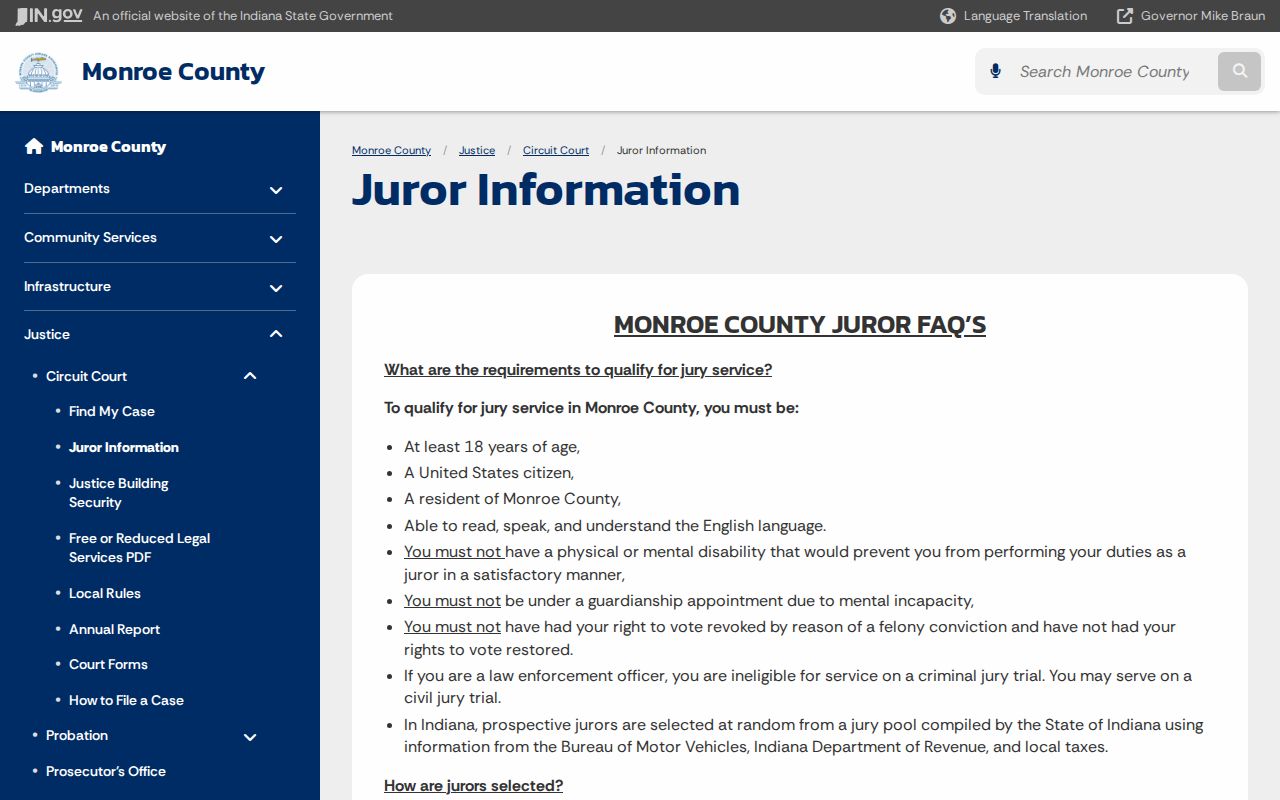
The 2024 annual report recorded six jury trials, 2,704 prospective jurors, and 258 people reporting. Jury activity can affect courthouse traffic and division schedules, but those figures do not show that a specific setting moved.
A jury summons uses its own reporting instructions. Jurors should use the official jury line and Court Services contact rather than infer reporting duties from a party’s MyCase entry. Parties should keep following the case-specific setting and any order from their division.
Calendar planning works best when the case record, notice, and direct confirmation agree. If they conflict, call before traveling.
Monroe County Calendar Dates
A case summary can contain several dates with different jobs. The filing date marks when the case began. An event date marks when a filing or court act entered the record. HearingDate identifies a setting, while Date2 or reset data may point to a replacement date. Status Date describes the status field, not necessarily the next hearing.
Start at the newest event and work backward until the sequence makes sense. Look for a notice or order that confirms the current setting. If an old and new date both remain visible, use the later court action and call the division. Never infer cancellation just because one field is blank.
This approach is especially important when a saved notice predates a continuance motion. The motion is only a request until the court acts. A current order or direct division confirmation is stronger than an old calendar capture.